RedHawk Linux 9.2.xカーネルでrescueイメージを再作成する方法 最終更新 2026.08.28
# rm -f /boot/*-rescue-*
# /usr/lib/kernel/install.d/51-dracut-rescue.install add `uname -r` "" /lib/modules/`uname -r`/vmlinuz

# ls -l /boot/*-rescue-*
-rw------- 1 root root 134848981  8月 28 17:07 /boot/initramfs-0-rescue-045f618b1a1841779e9e9e24c6ac3f90.img
-rw-r--r-- 1 root root   9844656  8月 28 17:05 /boot/vmlinuz-0-rescue-045f618b1a1841779e9e9e24c6ac3f90

# sha512hmac /boot/vmlinuz-0-rescue-$(cat /etc/machine-id) > /boot/.vmlinuz-0-rescue-$(cat /etc/machine-id).hmac
セッション開始直後の起動アプリ選択画面をDISABLEにする方法 最終更新 2026.08.26
セッション開始直後、GNOMEは、下図のように最初に起動したいアプリケーションを開くように求めます。
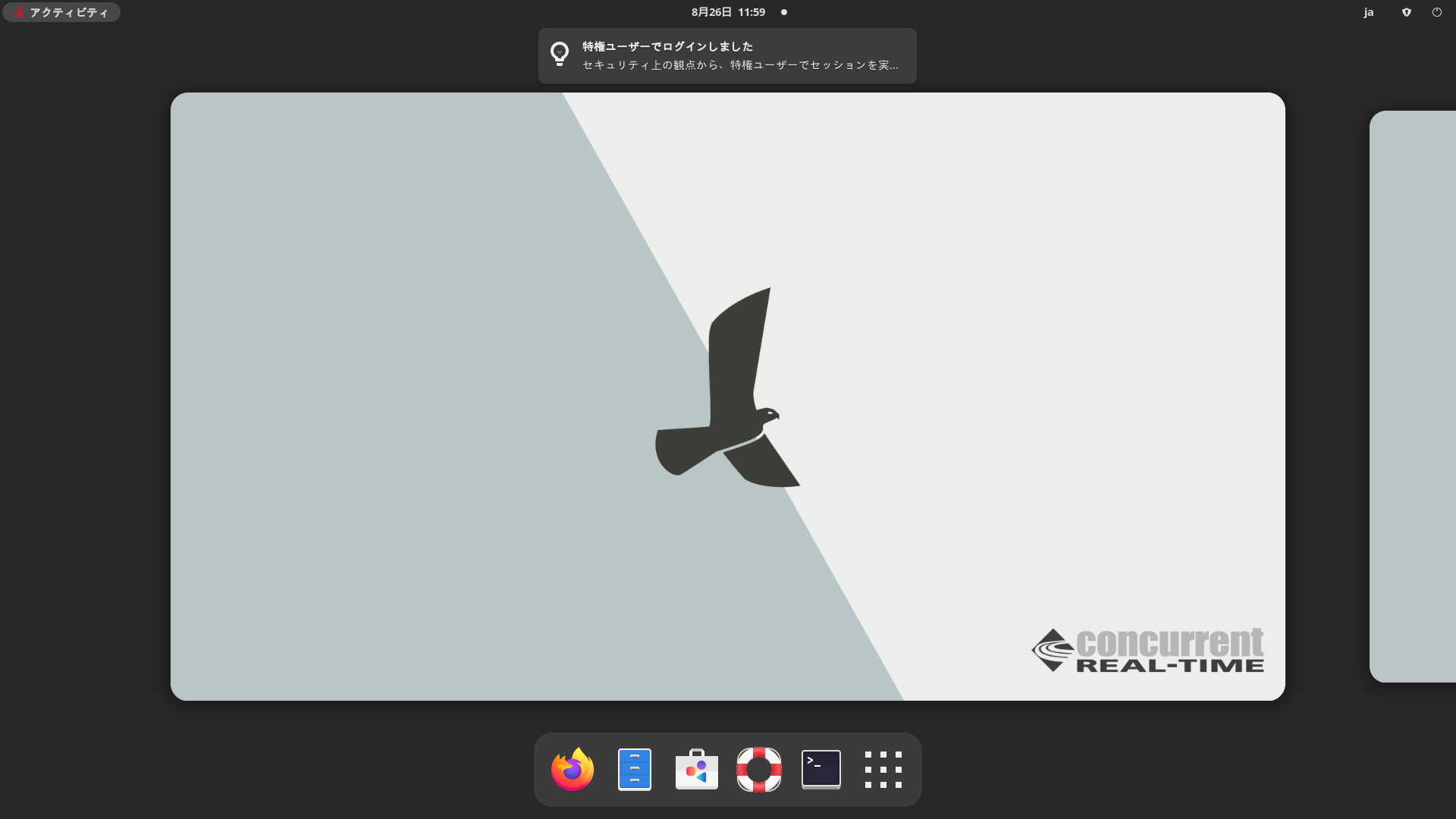
この動作をなくす方法は、
このURL
に示されています。
下記にその翻訳を示します
このソリューションは、ファイルの配置場所に応じて、システム全体に適用することも、特定のユーザーのみに適用することも可能です。
まず、システム全体に適用する場合に使用するファイルは以下のとおりです。
ファイル 1 : /usr/libexec/no-overview-at-startup
#!/usr/bin/sh

# Monitoring time in tenths of seconds
MTIME=50
for ((i=0; i<${MTIME}; i++)); do
  read -r DUMMY DUMMY IS_OVERVIEW <<< "$(dbus-send --print-reply=literal --session --dest=org.gnome.Shell --type=method_call /org/gnome/Shell org.freedesktop.DBus.Properties.Get string:org.gnome.Shell string:OverviewActive)"
  if [[ "${IS_OVERVIEW}" = "true" ]] ; then
    /usr/bin/dbus-send --session --dest=org.gnome.Shell --type=method_call /org/gnome/Shell org.freedesktop.DBus.Properties.Set string:org.gnome.Shell string:OverviewActive variant:boolean:false
    exit
  fi
  sleep 0.1
done
ファイル 2 : /etc/xdg/autostart/no-overview-at-startup.desktop
[Desktop Entry]
Type=Application
Exec=/usr/libexec/no-overview-at-startup
Hidden=false
NoDisplay=false
X-GNOME-Autostart-enabled=true
Name[en_US]=No Overview at Start-up
Name=No Overview at Start-up
Comment[en_US]=Disable overview mode right after login
Comment=Disable overview mode right after login
次に /usr/libexec/no-overview-at-startu ファイルを実行可能にする必要があります。
# chmod 755 /usr/libexec/no-overview-at-startup
あるいは、この変更が特定のユーザーのみに影響するようにするには、ファイルを異なるディレクトリに配置し、ファイル2に変更を加える必要があります。
ファイル1の場所: ${HOME}/bin/no-overview-at-startup。
ファイル2の場所: ${HOME}/.config/autostart/no-overview-at-startup.desktop。
重要:ファイル 2 の EXEC=... 行を EXEC=${HOME}/bin/no-overview-at-startup に 変更する必要があります